Hyundai Elec City warning lights: 16 EV bus signals before departure
Official 2025 Hyundai Elec City warning-light guide covering 16 EV bus dashboard signals, from door-open and brake alerts to power down, READY, high-voltag...
The Hyundai Elec City stays so quiet in service that the dashboard often becomes the first real sign that something needs attention. On an electric city bus, the first split is whether this is a stop-now warning like door open, brake, steering, or charging or an EV-specific signal like power down or high-voltage battery level. This guide is based on the official 2025 Hyundai Elec City (CYEV) warning-light and owner's-manual sources and narrows the list to 16 signals that matter first before the next route or depot departure. Even with the same model name, 2025, 2026, and 2027 model years can differ, so switch the year on the official page before assuming a perfect match.
Match the icon before you guess
The official Elec City warning-light page can still surface shared Hyundai symbols for fuel, engine oil, GPF, and urea systems. Judge urgency first, then compare your exact icon on the official page.
Check my dashboard icon on the official warning-light page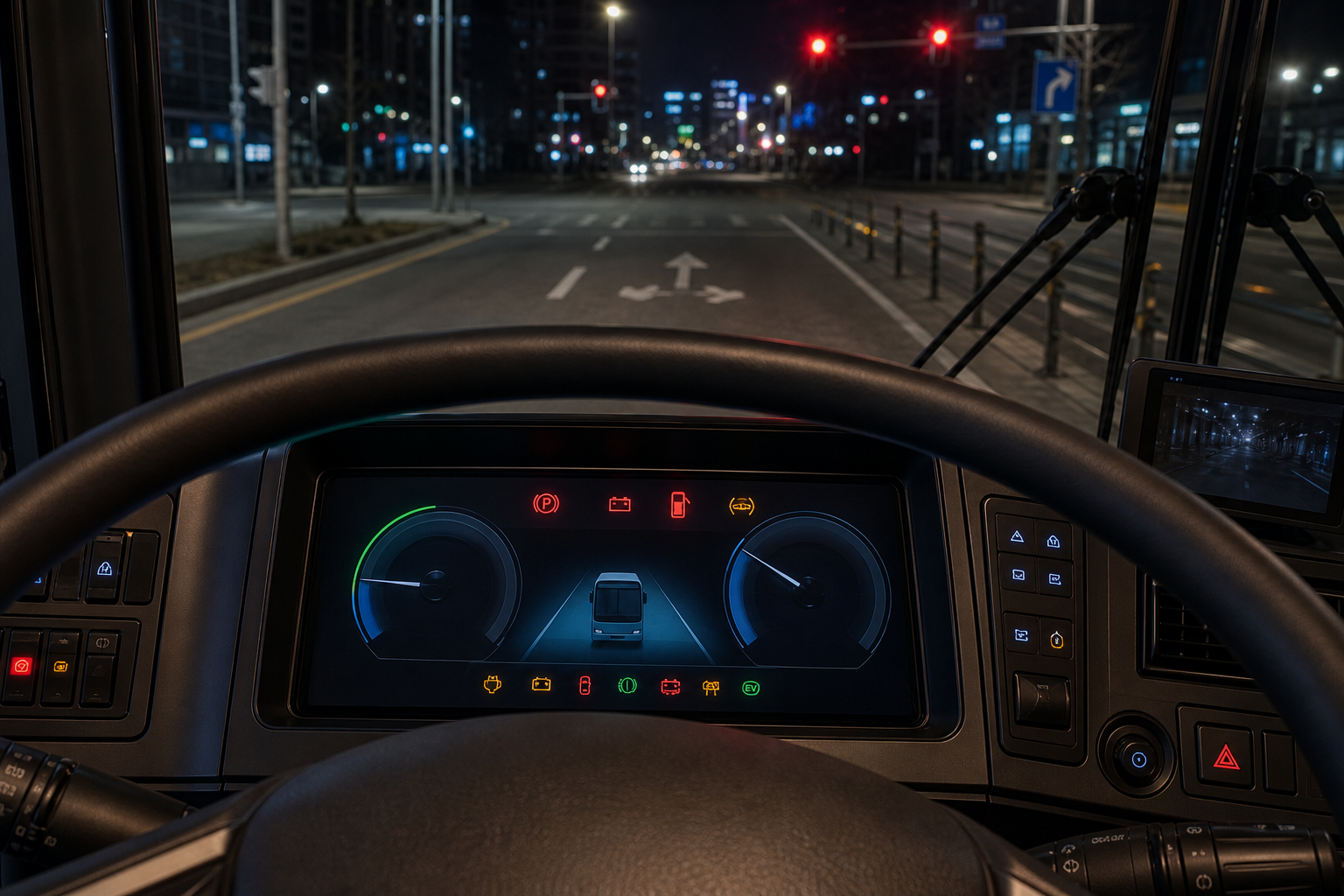
How to judge Elec City warning lights quickly
- Red: stop or inspect immediately. Door-open, brake, charging, EPS, emergency steering, and driver-attention alerts belong here.
- Amber: you may still be able to move, but you should find the cause soon. TPMS, ABS, EPB, front-safety, lighting, and EV battery warnings fit here.
- Green or blue: many are status indicators, but READY matters because it confirms the bus is truly drive-ready.
- EV bus specific: power down, high-voltage battery level, and battery conditioning affect output, charging plans, and thermal management.
16 Elec City warning lights worth checking before the next departure
These 16 signals were chosen for real Elec City operating decisions first. The official CYEV warning-light API can still list shared diesel and gasoline icons, but this page focuses on the signs that matter most for electric bus operation, passenger safety, and route continuity.
| Type | Light | Meaning | What to do now |
|---|---|---|---|
| Immediate |  Door open Door open |
Passenger door or lock status has not been confirmed properly | Recheck door closure and interlock before moving away |
| Immediate |  Brake Brake |
Parking brake, low brake fluid, or a braking fault | Slow down safely and inspect before continuing with passengers |
| Immediate |  Charging Charging |
12V support battery or charging-system issue | Reduce electrical load and arrange prompt service |
| Immediate |  Electronic power steering Electronic power steering |
Steering-assist system fault | If the wheel feels heavy, stop demanding driving and inspect it |
| Immediate |  Emergency steering Emergency steering |
A steering-related safety function may have a fault | If steering feel changes before an intersection, hold the route and inspect |
| Immediate |  Driver attention Driver attention |
Driver-attention or monitoring warning | If a fatigue message appears too, stop and take a break now |
| Combined |  Master warning Master warning |
Another subsystem message or fault is waiting elsewhere on the cluster | Read the detailed message before guessing from one icon |
| Braking assist |  ABS ABS |
Anti-lock braking fault | Move the inspection up the list before wet or crowded city routes |
| Tires |  Low tire pressure / TPMS Low tire pressure / TPMS |
Low pressure or TPMS issue | Check all four tires before the first full passenger load |
| Parking |  Electronic parking brake (EPB) Electronic parking brake (EPB) |
EPB operation or component fault | Check apply and release behavior on the next stop |
| Safety assist |  Front safety Front safety |
Front-safety system blocked, disabled, or faulty | Check camera and radar contamination first |
| Night driving |  LED headlamp LED headlamp |
Headlamp system fault | Check lighting before night circulation or the first dawn run |
| EV core |  Power down Power down |
Vehicle output is being limited to protect high-power EV parts | Avoid hard acceleration and long climbs while checking battery status |
| EV core |  High-voltage battery level High-voltage battery level |
Drive battery charge is running low | Change the plan and head for a nearer charger |
| Status |  READY READY |
Confirms whether the bus is actually ready to move | Check READY after the doors close and before you pull away |
| Battery care |  Battery conditioning Battery conditioning |
Battery temperature-management mode is active | Use it as a clue when charging speed or output feels different |
Icons were checked against the official 2025 Hyundai Elec City CYEV warning-light API. Shared Hyundai-library diesel and gasoline symbols can still appear, so compare your exact dashboard icon before assuming a match.
1. Red lights deserve the quickest attention on a route bus
Because the Elec City repeats stops and passenger boarding all day, door-open, brake, charging, EPS, emergency steering, and driver-attention warnings need a faster judgment than they would in an ordinary car. A door issue or steering fault is not something to push one more stop down the route.
Charging is especially easy to misread on an electric bus. It can point to a 12V support-battery or charging-system problem, not just a plug or charging-port message.
2. Master warning, TPMS, and front-safety alerts decide whether today's route still feels safe to continue
Master warning means another message is waiting. Low tire pressure may feel minor in slow traffic, but it matters far more once you add passenger load, repeated braking heat, and tight curbside stops.
Front safety, ABS, EPB, and LED headlamp can come from blocked sensors or settings, but if the function is really unavailable the difference shows up quickly in rain, darkness, and crowded urban traffic.
3. Treat power down, high-voltage battery level, and READY as the EV bus trio
Power down means output is being limited to protect high-power EV hardware. On a large city bus, that can show up first during climbs, cabin cooling, or repeated pullaways from stops.
High-voltage battery level is your route-planning warning, while READY confirms whether the bus is truly prepared to move. Add battery conditioning when charging speed or power delivery feels different from normal.
4. Filter shared-library symbols through your actual powertrain
The CYEV warning-light list can still surface shared Hyundai symbols for fuel, engine oil, GPF, and urea systems. That is a library behavior, not proof that every icon applies to an electric bus dashboard exactly as shown.
For Elec City drivers, the priority set is the EV-bus group: door status, brake, charging, EPS, emergency steering, master warning, front safety, power down, battery level, and READY. If the icon still feels ambiguous, compare the cluster message and your exact model year before you decide.
5. Switch the model year before trusting a perfect match
This article is organized around the 2025 Hyundai Elec City CYEV. Even with the same model name, 2025, 2026, and 2027 model years can use different warning-light combinations and explanations. Open the official page, switch to your own year, and then compare the icon again.
How to switch the Elec City model year
- Open the official Elec City manual below.
- Use the model-year selector next to the vehicle name.
- Enter the warning lights & symbols section and match the icon again.
- If the cluster shows a text message too, trust the message before the icon title.
Related clean-commercial warning-light guides
In short, Elec City warning lights are easier to handle when you split them into stop-now red alerts, inspect-soon amber alerts, and EV-specific output or charging signals. When the symbol feels ambiguous, compare it directly against the official warning-light page instead of guessing.