Tesla Model Y warning alerts: 15 codes to check first
A practical guide to 15 official Tesla Model Y 2025+ alert codes covering high-voltage battery, low-voltage electrical, charging, camera, and Autosteer war...
In a Tesla Model Y, the first useful clue is often the touchscreen alert code, not a traditional dashboard lamp. Codes such as BMS_a069, CP_a004, and VCFRONT_a192 point to different decisions: battery, charging hardware, low-voltage power, or driver-assistance limits.
This guide is based on the official Tesla Model Y 2025+ troubleshooting-alert manual. Software version, market, equipment, and future updates can change the wording, so always compare the code on your screen with the official manual.
Compare your touchscreen code with Tesla's official alert list
Start with the table, then open the official alert page and search for the exact code.
Open the official Model Y alert list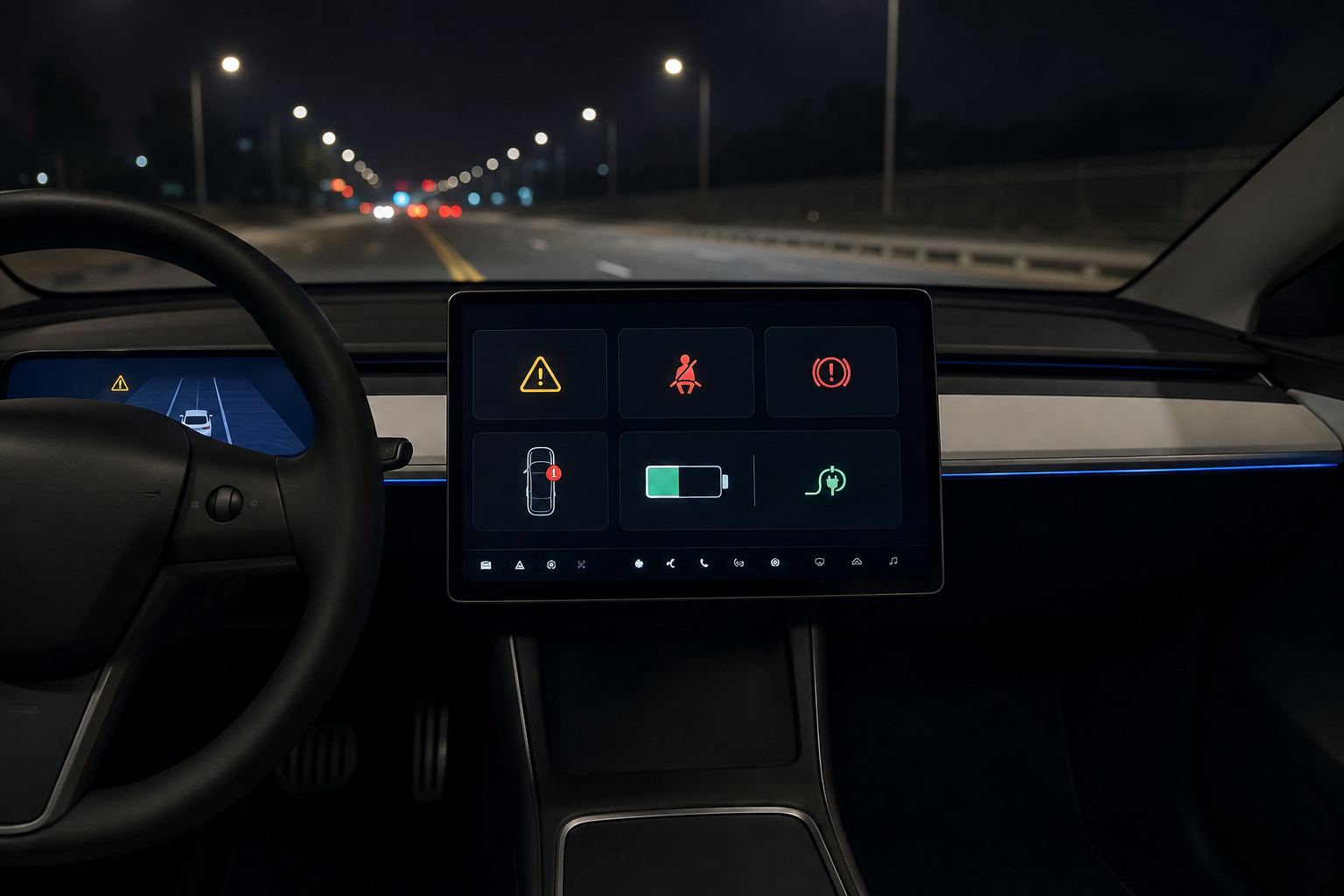
Read Model Y alerts in this order
- Stop first: unexpected stop, shutdown, or no-restart wording changes the priority immediately.
- Check soon: battery-performance, charging, or low-voltage warnings may still allow driving but deserve quick diagnosis.
- Temporary limits: camera and Autosteer alerts can clear, but repeated alerts should not be ignored.
15 Tesla Model Y alert codes to check first
| Priority | Code | What it points to | What to do |
|---|---|---|---|
| Immediate service | BMS_a027 | High-voltage isolation issue; power limited and no restart is possible | Schedule service immediately and avoid further driving until inspected. |
| No-restart risk | BMS_a035 | Reduced high-voltage isolation during driving or charging | Do not postpone service if the alert returns. |
| Battery diagnosis | BMS_a059 | Battery-pack voltage and cell readings do not line up | Record it and schedule service if it persists. |
| Performance limited | BMS_a067 | Battery performance, range, or charging speed may be reduced | Keep extra charge margin and arrange service soon. |
| Charge now | BMS_a069 | High-voltage battery energy is too low for continued driving | Stop safely and charge immediately. |
| Power shutdown | VCFRONT_a191 | Low-voltage support is insufficient and the vehicle may shut down | Pull over safely and contact roadside assistance or service. |
| Electrical load | VCFRONT_a192 | Electrical system cannot support all features | Reduce nonessential loads and check companion alerts. |
| No restart | VCFRONT_a216 | Electrical-system issue may prevent restart until service | Book service as soon as possible. |
| Low voltage | VCFRONT_a220 | Low-voltage battery cannot support vehicle features | Turn off comfort loads and arrange service. |
| Charging hardware | CP_a004 | Charging equipment is not recognized | Try another cable or station and inspect the port. |
| Communication | CP_a010 | Vehicle and external charging equipment cannot communicate | Separate equipment problems from vehicle problems with another charger. |
| AC charging | PCS_a016 | AC charging stopped due to power quality or external supply | Try another station or Supercharger. |
| Power loss | PCS_a017 | Power to charging equipment was interrupted | Check the breaker, outlet, Wall Connector, and other alerts. |
| Driver assistance | APP_w222 | Front camera visibility is reduced | Clean the camera area and drive manually. |
| Take over | APP_w218 | Autosteer speed limit exceeded | Take direct steering control immediately. |
Tesla publishes these troubleshooting alerts as codes and message text, so this table uses contrast code chips instead of downloaded symbol PNGs.
Battery and low-voltage alerts come first
Warnings about no restart, unexpected stopping, power shutdown, or reduced electrical support deserve a different response from comfort-feature messages. Pull over safely when the alert says continued driving may not be possible.
Charging alerts need charger-versus-vehicle separation
If the alert appears at one charger only, the source may be the station, outlet, grid, or cable. If it follows the vehicle across multiple chargers, inspect the charge port and schedule service.
Camera and Autosteer alerts change the driving mode
Reduced camera visibility can disable assistance features. When the alert says to take steering control, treat it as a manual-driving instruction, not a background notice.
The practical order is simple: capture the exact code, decide whether driving, charging, or restarting is affected, then compare it with Tesla's official troubleshooting page.