Staria Electric warning lights: 16 signals to check first
A practical 2027 Hyundai Staria Electric warning-light guide covering READY, EV service, regenerative braking, 12V charging, high-voltage battery level, po...
A Staria Electric warning light should be read differently from a gasoline dashboard. Start with the color, then check whether the car is READY, charging, losing output, or changing its braking feel. This guide follows the official 2027 US4EV warning-light chapter. Model year, trim, battery specification and equipment can change the exact display.
This page uses Hyundai’s verified official English warning-light page because a locale-specific route was not confirmed.
Compare the exact icon before guessing
Open the verified official warning-light page to compare the symbol and the action.
Open the official Staria Electric warning-light page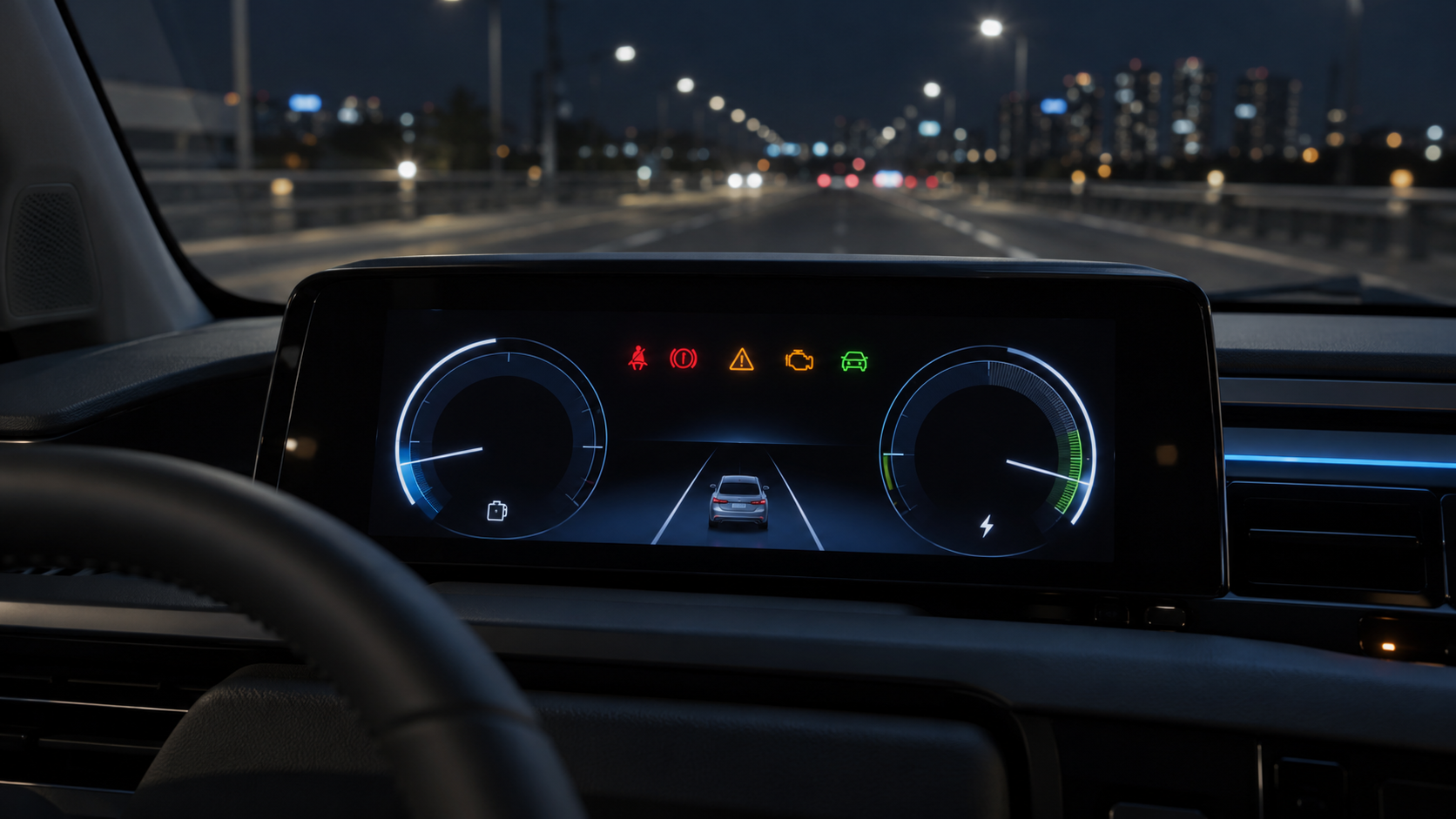
Quick color guide
- Red: stop or inspect immediately for brake, 12V charging, steering and airbag warnings.
- Amber: find the cause soon for ABS, TPMS, EPB, ESC, front-safety and master warnings.
- Green/status: READY and charging show operating state, but a flashing or missing READY signal needs attention.
- EV-specific: power down and high-voltage battery warnings affect output and route planning.
16 Staria Electric signals worth checking first
| Type | Light | Meaning | Action |
|---|---|---|---|
| Status |  READY READY | Confirms that the vehicle is ready to move | Check it before selecting drive; inspect if it goes out or flashes |
| Immediate | EVEV service warning | Fault in an EV control system or related sensor | Arrange inspection if it stays on after POWER ON or appears while driving |
| Status | CHGCharging indicator | High-voltage battery charging status | Confirm the charging state; read any accompanying message |
| Braking |  Regenerative braking Regenerative braking | Brake-system issue may disable regenerative braking | Avoid demanding driving if the pedal feels deeper or stopping distance grows |
| Immediate |  Brake Brake | Parking brake, low fluid, or braking-system fault | Slow down safely, stop, and check the braking system |
| Braking |  ABS / EBD ABS / EBD | ABS fault, or reduced electronic brake-force distribution when both lights appear | Avoid high speed and have it checked after a restart |
| Immediate |  12V charging 12V charging | 12V charging-system or auxiliary-battery problem | Reduce electrical load and arrange prompt inspection |
| Immediate |  Electronic power steering Electronic power steering | Steering-assist fault | Stop safely if the wheel feels heavy |
| Tires |  Low tire pressure / TPMS Low tire pressure / TPMS | Low pressure or TPMS fault | Slow down and check all four tires and their condition |
| Parking |  Electronic parking brake Electronic parking brake | EPB-system fault | Check apply/release behavior and service it if repeated |
| EV core |  High-voltage battery level High-voltage battery level | Drive-battery charge is low | Plan for the nearest charger rather than the edge of the range |
| EV core |  Power down Power down | Output is limited to protect high-power EV components | Avoid hard acceleration and check battery level and temperature |
| Safety |  Airbag Airbag | Airbag or seat-belt pretensioner fault | Inspect it if it remains after the normal 3–6 second check |
| Stability |  ESC ESC | Flashing can mean intervention; a steady light can mean a fault | Slow down on slippery roads and inspect a steady warning |
| Driver assist |  Front safety Front safety | Feature disabled, sensor blocked, or system fault | Clean the camera/radar area and recheck |
| Combined |  Master warning Master warning | One or more driver-assistance or vehicle issues | Read the cluster message before treating it as minor |
Icons are from the official Hyundai warning-light API for US4EV 2027. Service and charging-status items use text chips because their exact assets are documented in the verified WebHelp chapter.
Red lights need a stop-now decision
Brake and regenerative-braking warnings can mean a deeper pedal or longer stopping distance. A 12V charging warning can leave the auxiliary system without support, while an EPS warning can make steering assistance weaker. Do not keep driving simply because the vehicle still feels quiet.
Read power down, battery level and READY together
Power down can appear when charge, voltage or battery temperature limits EV output. Avoid hard acceleration and head for a nearer charger. If power down appears with the service warning, use the official service route.
ABS, TPMS and safety warnings change the next drive
Amber does not mean harmless. ABS and EBD can affect stability, while TPMS matters even more when the van carries passengers or cargo. Clean camera and radar areas when front-safety or master warnings appear, then seek service if the message returns.
Switch the official page to your model year
This article is based on the 2027 US4EV configuration. The same model name can have different warning-light combinations in 2025, 2026 and 2027. Open the official manual, change the year selector, and compare the exact icon again.
Switch to your own model year
This article is based on the 2027 US4EV configuration. The same model name can have different warning-light combinations in 2025, 2026 and 2027. Open the official manual, change the year selector, and compare the exact icon again.
Official English manual fallback
This page uses Hyundai’s verified official English warning-light page because a locale-specific route was not confirmed.
- Open the official manual.
- Change the model-year selector.
- Open the warning-light chapter and compare the exact icon.
- Stop driving and arrange service for red brake, charging, steering or high-voltage warnings.
Related guides
Brake and regenerative-braking warnings can mean a deeper pedal or longer stopping distance. A 12V charging warning can leave the auxiliary system without support, while an EPS warning can make steering assistance weaker. Do not keep driving simply because the vehicle still feels quiet.